


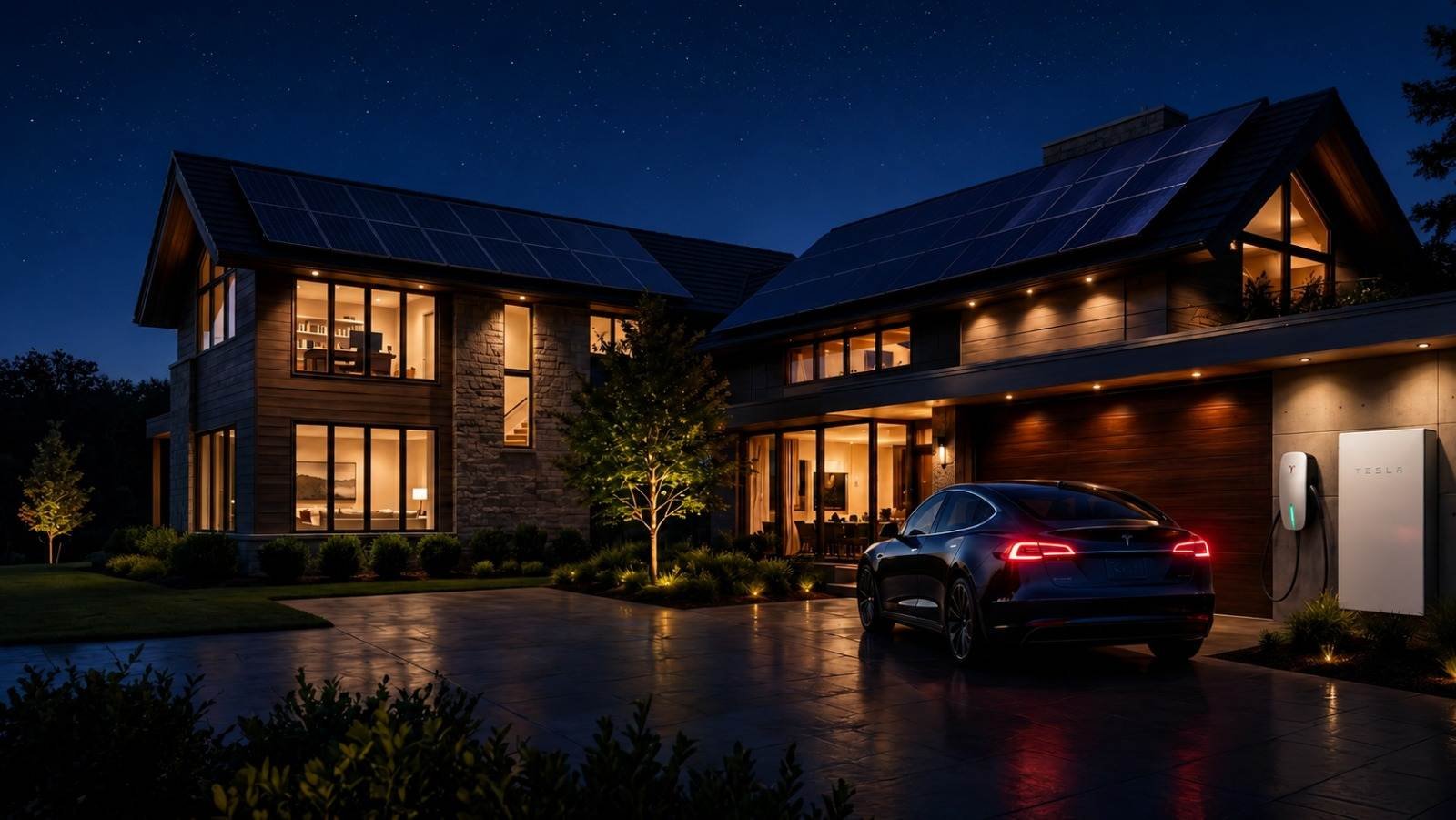
Powerwall Expansion: Adding a Second Battery Later
Why homeowners add a second Powerwall later
Most people start with one Powerwall because of budget, or because they only want to cover essentials during an outage. Over time, the picture changes. Common reasons for expanding include:
It helps to separate two ideas. Capacity (measured in kWh) is how much energy you can store. Power output (measured in kW) is how many things you can run at once. Depending on the Powerwall model, a second unit can add one or both, so the model matters.
- Adding an EV or a second EV. Charging draws a lot of energy, and one battery drains quickly if the car is part of your backup plan.
- Adding major loads. A new heat pump, central AC, well pump, or electric appliances can outgrow a single battery.
- Longer outages. After a storm or a grid event, many homeowners decide they want more hours or days of backup.
- Solar growth. If you add panels, extra storage lets you capture more of your midday production instead of exporting it.
- Time-of-use rates. More stored energy gives you more flexibility to avoid peak-rate hours.
What decides whether your system can be expanded
Expansion is usually straightforward, but a licensed installer should confirm these points before you order hardware.
Tesla has sold more than one generation of Powerwall, and they are not all built the same way. Earlier models include their own inverter in each unit, so a second battery adds both storage and power output. Newer Powerwall 3 systems integrate the solar inverter into the battery, and Tesla also offers expansion units that add storage capacity. Pairing rules between generations, and limits on how many units can be combined, are set by Tesla and can change, so they should be verified against current requirements for your exact site.
The gateway is the controller that manages the switch between grid and battery power and monitors your system. It needs to support the larger setup, and the wiring between units must be laid out correctly. Your installer will inspect what is already on the wall.
Batteries connect through your electrical system, so panel capacity, breaker space, and the size of your service all come into play. A load calculation by a licensed electrician shows whether your existing equipment can support another battery or whether a panel upgrade or a different configuration makes sense.
If your Powerwall is paired with solar, the original system design and utility interconnection approval may need to be updated to reflect added storage. Some utilities require a new application or approval for added battery capacity.
What the expansion install involves
A second-battery install is usually shorter than a first-time system, because much of the groundwork is already in place. The general steps look like this:
1. Site assessment. An electrician reviews your current Powerwall, gateway, panel, and available wall or floor space, and checks clearances and location requirements for the new unit. 2. System design. The installer confirms how the new battery connects to the existing one and whether any electrical changes are needed. 3. Permitting and utility approval. Your local building department and, in many areas, your utility must approve the change before or after installation, depending on local rules. 4. Mounting and wiring. The new unit is mounted, connected, and tied into the existing system. 5. Commissioning. The system is configured and tested, and the settings in the Tesla app are updated so both batteries work together. 6. Inspection. The local authority may inspect the work before the system is approved to operate.
For the full step-by-step process, see our Tesla Powerwall installation manual at chargehomesolutions.com/tesla-powerwall-installation-manual/.
What affects the cost of adding a second battery
Prices vary enough by home and region that a single number would be misleading. The main factors are:
Incentives and tax treatment for home batteries change over time and depend on your situation, so a tax professional or your utility is the right source for eligibility. A free in-home estimate gives you an actual scope and quote for your property rather than a guess.
- The hardware itself, which depends on the model and configuration you need.
- Distance and routing between the existing battery, the gateway, and the new unit.
- Panel work, such as added breakers, a subpanel, or an upgrade if capacity is tight.
- Permit and utility fees, which differ by city and utility.
- Site conditions, such as mounting location, access, and any required protection or clearance.
How to plan your first install so expansion is easy
If you are still deciding on your first battery, a few choices now can save effort later:
Planning ahead does not mean buying more than you need today. It just avoids paying twice for work such as running conduit or reworking the panel.
- Tell your installer you may expand. They can size the panel work, conduit, and wall space with a second unit in mind.
- Leave room. Choose a location with enough space for another battery and the required clearances.
- Think about future loads. If an EV, heat pump, or home addition is likely in the next few years, build that into the plan.
- Keep your records. Save your permit, utility approval, and system documents so the expansion application goes faster.
Should you add a second battery or change how you use the first?
Before expanding, it is worth asking whether your settings are the issue. Adjusting your backup reserve, choosing which circuits are backed up, or shifting large loads to off-peak times can stretch one battery further. If you still run short during outages or the system cannot handle your loads at once, that is a sign a second battery will make a real difference.
An electrician reviewing your usage and backup goals can tell you which situation you are in, and recommend expansion only when it is justified.
Working with a Tesla-certified installer
Charge Home Solutions connects homeowners with Tesla-certified, licensed and insured electricians nationwide. We handle matching quickly, and the first step is a free in-home estimate where an electrician looks at your existing Powerwall, panel, and goals. That way the expansion plan is based on what is actually on your wall, not on assumptions.
Book your free in-home estimate
Ready to move forward? Charge Home Solutions matches you with a licensed, insured, Tesla-certified electrician in your area, with a free in-home estimate and no obligation.
Request your free estimate at chargehomesolutions.com/request-service or call 888-995-6044.
Frequently asked questions
In most cases yes. Powerwall systems are designed to scale, but compatibility depends on your model, gateway, panel capacity, and local and utility requirements. A licensed installer confirms this during a site assessment.
Sometimes, but pairing rules between generations are set by Tesla and can change. Your installer should verify current compatibility for your specific system before anything is ordered.
Usually yes. Most local building departments require a permit for added battery storage, and many utilities require approval for changes to a system connected to the grid. Requirements vary by location.
Not always. It depends on your service size, available breaker space, and the load calculation. An electrician can tell you whether your current panel can handle it.
It is typically shorter than a first install because the groundwork already exists, but timing depends on your site, permitting, and utility approval. Your installer can give a realistic schedule after the assessment.
Installing together can reduce duplicate labor, permitting, and panel work, but the right choice depends on your budget and needs. Starting with one and planning for a second is also a valid approach.
Related guides
How to Find a Tesla Powerwall Installer Near You
To find a Tesla Powerwall installer near you, hire a Tesla-certified electrician who holds a state license and insurance, pulls the permit, and files the utility interconnection. A single Powerwall 3 is typically $9,000 to $16,000 installed, depending on backup scope and panel work.
Read article →Preparing Your Home for a Hurricane or Winter Storm With Battery Backup
The best way to prepare your home for a hurricane or winter storm with battery backup is to have a home battery, such as a Tesla Powerwall, installed and configured before the season starts, not after
Read article →Should You Pair a Home Battery With Time-of-Use Billing Plans?
Pairing a home battery with a time-of-use (TOU) plan makes sense when your utility charges a big price gap between peak and off-peak hours and you use a lot of power in the evening. The battery charge
Read article →Powerwall Backup During Rolling Blackouts and Brownouts: What to Expect
A Tesla Powerwall can keep your home running through rolling blackouts, and it can help protect your household when the grid is unstable. When the utility cuts power, the system switches your home to
Read article →Powerwall Expansion: Adding a Second Battery Later
Yes, you can add a second Powerwall after your first one is installed, and many homeowners do exactly that. Tesla designs Powerwall systems to scale, so a home that starts with one battery can usually
Read article →How to Choose a Spot for Your Powerwall Away From Bedrooms
The best place for a Powerwall is usually an attached or detached garage wall, or an exterior wall outside the living space, as far from sleeping areas as the layout allows. These spots keep the batte
Read article →